
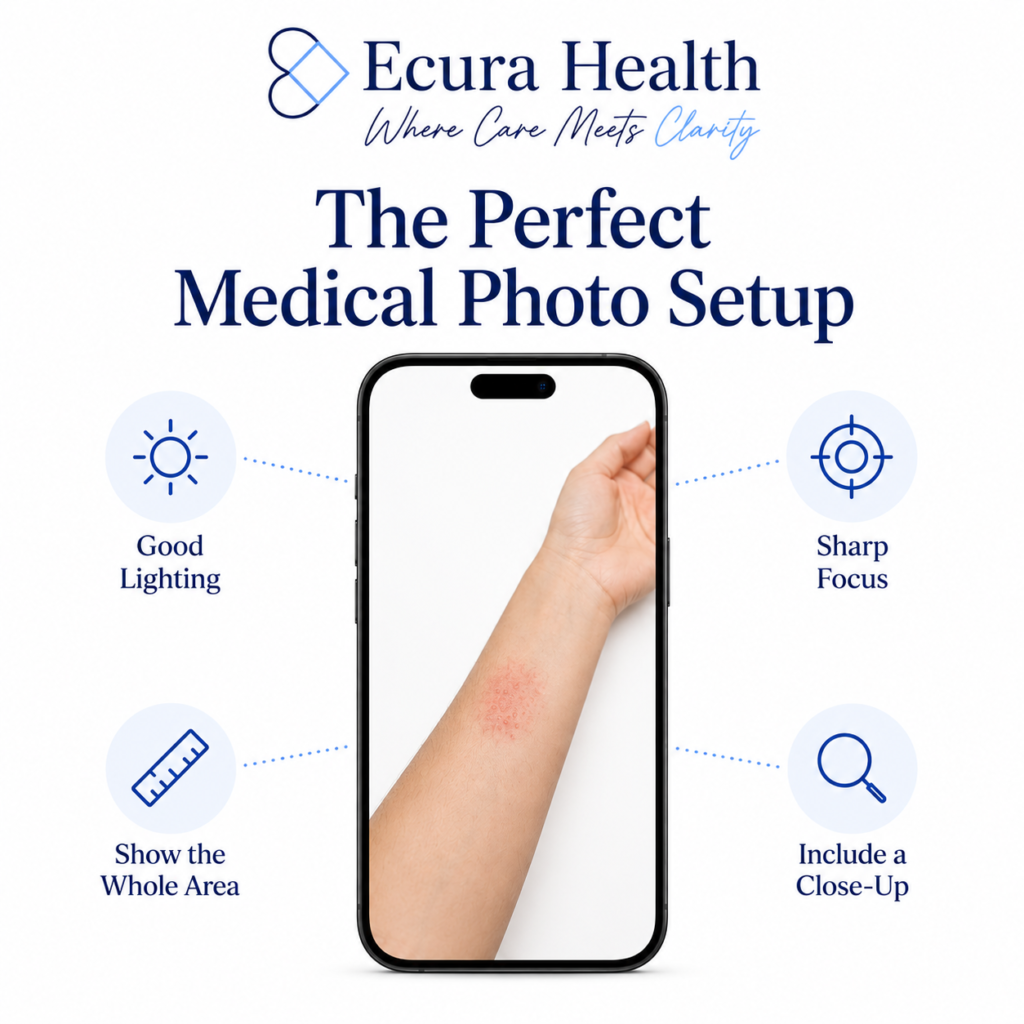
How to Take Clear Photos for Your Doctor
A clear, well-lit photo can make a big difference during a telemedicine visit. For many skin conditions and other visible concerns, your physician relies on the images you provide to better understand what’s happening and make informed treatment recommendations.
Fortunately, you don’t need a professional camera. Most modern smartphones can take excellent medical photos with just a few simple adjustments.
Why Good Photos Matter
Photos are often an important part of an online medical evaluation.
Clear images help your physician:
- Better visualize the affected area
- Assess the size and appearance of a condition
- Identify important details
- Compare changes over time, when appropriate
The clearer the image, the easier it is for your physician to perform a careful evaluation.
Use Good Lighting
Lighting is one of the most important factors in taking a useful medical photo.
For the best results:
- Use natural daylight whenever possible.
- Stand near a window if indoors.
- Turn on additional lights if the room is dim.
- Avoid taking photos in dark rooms.
- Avoid strong shadows across the area you’re photographing.
Try not to use your phone’s flash unless absolutely necessary, as it can create glare or wash out important details.
Keep the Camera Steady
Blurry photos can make it difficult to see important details.
To improve image quality:
- Hold your phone with both hands.
- Rest your arms against your body if possible.
- Tap the screen to focus before taking the picture.
- Take several photos and choose the clearest one.
Show Both Close and Far Views
A single close-up doesn’t always provide enough context.
Whenever possible, include:
- One photo showing the affected area in relation to the surrounding body part.
- One or two close-up photos showing the area in greater detail.
This helps your physician better understand both the location and appearance of the condition.
Keep the Area in Focus
Make sure the affected area is the main subject of the photo.
Avoid:
- Busy backgrounds
- Filters
- Editing the image
- Excessive zooming that reduces image quality
Instead, move the camera closer while keeping the image sharp.
Include Only What's Necessary
Photograph only the area needed for your medical concern. If possible, avoid including your face, identifying tattoos, or other personal information unless they are relevant to your evaluation.
Before You Submit
Before uploading your photos, take a few seconds to review them.
Ask yourself:
- Is the image clear?
- Is it well lit?
- Is the affected area easy to see?
- Would another angle be helpful?
If you’re unsure, consider uploading two or three photos from different distances.
A Few Extra Tips
Simple adjustments can often improve your photos:
- Clean your phone’s camera lens before taking pictures.
- Remove anything blocking the area, such as clothing or jewelry, if appropriate.
- Use a plain background when possible.
- Ask someone you trust to help if the area is difficult to photograph.
Resources:
- Telehealth.HHS.gov. What Should I Know Before My Telehealth Visit?
https://telehealth.hhs.gov/patients/what-should-i-know-before-my-telehealth-visit - Telehealth.HHS.gov. What Do I Need to Use Telehealth?
https://telehealth.hhs.gov/patients/what-do-i-need-use-telehealth - American Academy of Dermatology. Telemedicine: How to Get Quality Care.
https://www.aad.org/public/fad/digital-health/telemedicine/quality-care - Mayo Clinic. Telehealth: Technology Meets Health Care.
https://www.mayoclinic.org/healthy-lifestyle/consumer-health/in-depth/telehealth/art-20044878 - MedlinePlus. Telehealth.
https://medlineplus.gov/telehealth.html - American Heart Association. Telehealth Patient Resources.
https://www.heart.org/en/professional/telehealth/telehealth-patient-resources